
Tech & Phone
Get more out of the devices you already own — settings, storage, speed, and fixes in plain English.

Phone Accessibility Features Worth Turning On (Whether or Not You Need Them)
Every phone already has a set of display, sound, and control fixes buried in one settings menu, built for accessibility and useful for almost anyone — squinting at a screen, juggling bags, or reading in a loud room.
More in Tech & Phone

Laptop Battery Care: The Habits That Actually Slow the Wear
A laptop that used to run all afternoon now dies before lunch — and if it lives on a desk plugged in around the clock, that’s often exactly why. The habits that actually slow the wear.

How to Clean Your Phone Screen (and Case) Without Wrecking It
Wiping a phone screen with the wrong cloth or cleaner slowly wears down its coating and dulls the glass. The method that actually keeps it clean — and the handful of things that quietly damage it.

How to Spot a QR Code Scam Before You Scan
QR codes now sit on parking meters, restaurant tables, and delivery notices — and that's exactly why scammers love them. The physical and digital tells that catch a fake one before it costs you anything.

Two-Factor Authentication: The Single Step That Stops Most Account Takeovers
A password alone just proves you know a string of characters — and strings of characters leak. A second step blocks the most common way accounts actually get taken over.

The Old-Device Checklist: Wipe It Clean Before You Sell, Donate, or Recycle
That old phone or laptop still has your accounts, photos, and saved passwords on it. The order that gets it backed up, signed out, and genuinely wiped before it leaves your hands.
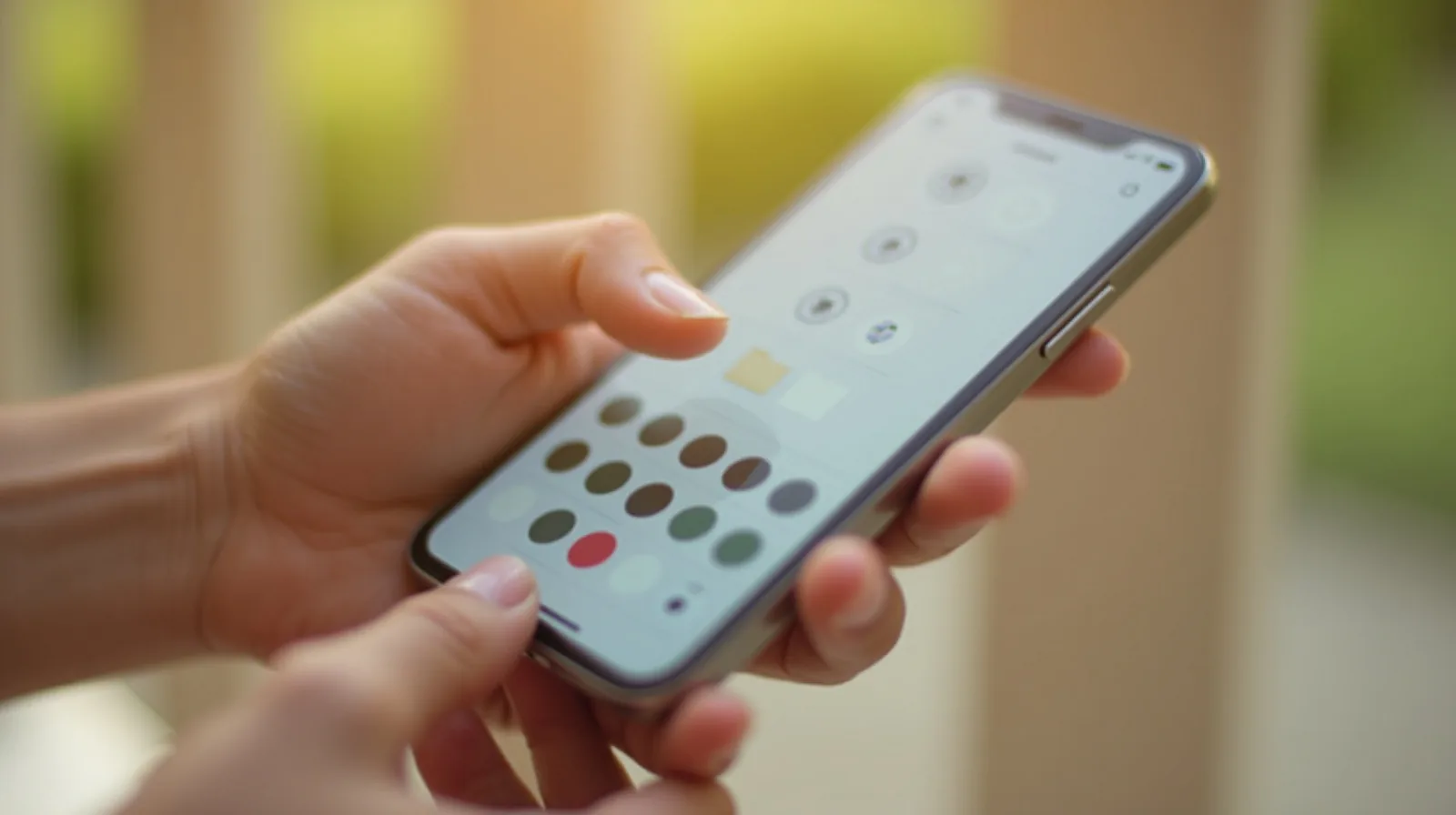
The Phone Home Screen System That Actually Sticks
A home-screen cleanup that isn’t a system is just a mood — it looks great for a week and slides back into chaos. Three zones that keep working after you stop paying attention to them.

The Habits That Actually Prevent Cracked Screens and Water Damage
Most phones don’t die of old age — they die of a drop, a splash, or a hot car. The protection and everyday habits that actually keep a phone in one piece for years.

Secure Your Home Wi-Fi: The Checklist Most Networks Never Get
Most routers are still running on the settings they shipped with. A short pass through five real gaps — the admin login, real encryption, a guest network, and a couple of features worth switching off — takes about fifteen minutes.

The Simple Backup System That Actually Protects Your Phone
Losing a phone shouldn’t mean losing everything on it. A three-copy habit — automatic, layered, and actually checked once in a while — keeps your photos, contacts, and files safe no matter what happens to the device.

Set Up Your Phone for Emergencies: ICE Contacts, Medical ID, and Location Sharing
In a real emergency, your locked phone can still speak for you — but only if you set it up first. Five minutes now that could matter enormously later.

Nine Phone Settings Worth Changing Tonight
A handful of defaults quietly drain your battery, your data, and your attention. These nine changes take about five minutes and stick.
Digital Estate Basics: Access for Your Family If Something Happens
Photos, accounts, and important documents locked behind a password only you know are hard for anyone else to reach — a little planning now makes that much easier for the people who’d need it.
Make an Old Laptop Feel Fast Again
Before you replace a slow laptop, a short maintenance pass usually buys it another year or two. Here's the order that actually helps.
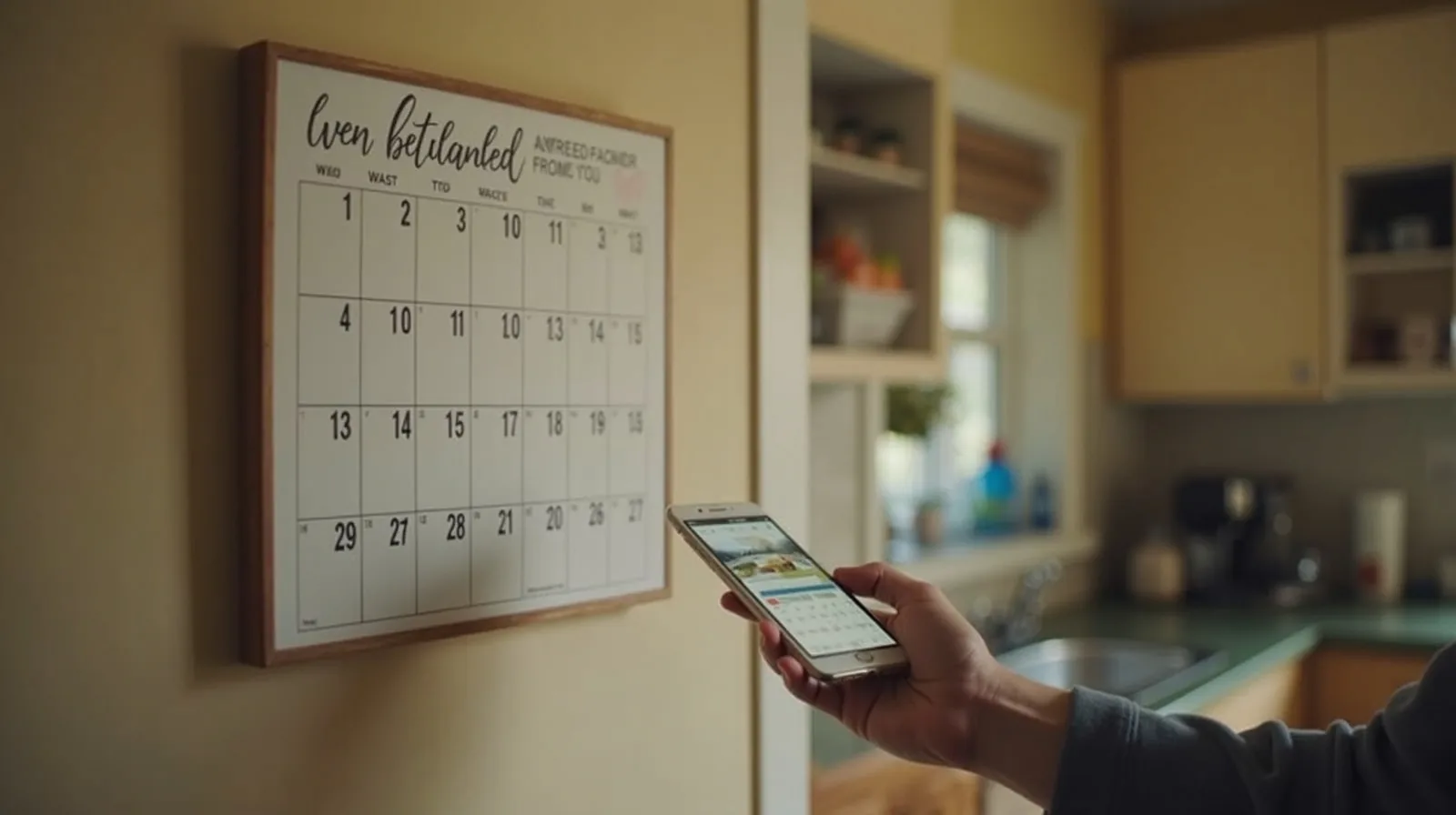
The Family Tech Reset: Shared Calendars, Location, and Photo Albums
Every household runs on logistics — who’s where, what’s when, where the photos went. A short setup of a few shared tools cuts the “did you see my text?” chaos and quietly keeps everyone on the same page.
Why Your Phone Battery Won't Hold a Charge (and How to Slow It Down)
A battery that fades by mid-afternoon usually isn't broken — it's worn, and how you charge it decides how fast that happens. The habits that add years to a battery.

Cloud Storage Cleanup: Reclaiming the Space You’re Paying For
A cloud storage plan that quietly filled up isn’t a sign you need a bigger plan — it’s usually a sign nobody’s ever cleaned it out.

Bluetooth Headaches: Pairing Problems Solved Once
Bluetooth trouble almost always comes down to the same handful of causes — and the same handful of fixes, done in the right order.

Public Wi-Fi Without the Worry: Simple Safety Habits
Free Wi-Fi at the café, airport, or hotel is convenient and a little riskier than your home network. You don’t need to fear it — just a few simple habits that keep you safe on any network you don’t control.
Storage Full? What's Actually Eating Your Phone's Space
“Storage full” almost never means your photos are the problem. Here's where the space really goes — and how to reclaim gigabytes without deleting memories.

Kids’ Screen Setup: Controls That Don’t Require Constant Policing
A device set up right handles most of the boundary-setting on its own, so you’re not the one saying “time’s up” twelve times a day.
Taming Your Inbox: A Realistic Email System for Normal People
Inbox zero sounds nice and never lasts. A realistic system — kill the incoming noise, process in batches, and use a handful of folders — keeps email from running your day, without the fantasy of an empty inbox.

Scam Texts and Calls: The Patterns That Give Them Away
Scams change their disguises constantly, but the machinery underneath is always the same. Learn the handful of patterns and you can spot almost any of them.
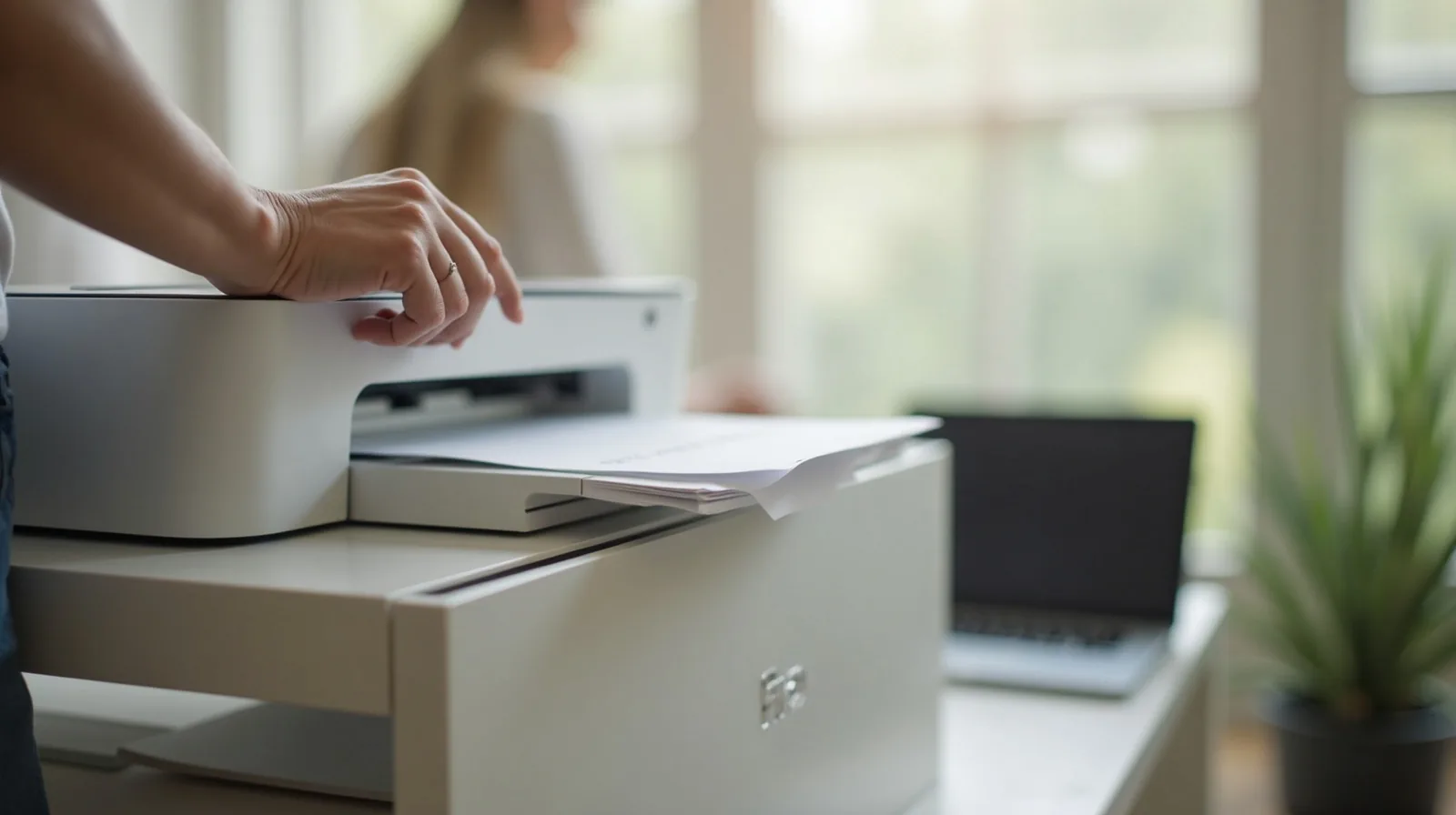
The Printer Peace Treaty: Making It Just Work
A home printer that only works when it feels like it isn’t broken — it’s usually just neglected. A proper one-time setup ends the standoff for good.

Group Chat Sanity: Mute, Pin, and Escape Strategies
A group chat that started as a fun way to plan one trip can quietly become a hundred-notification-a-day problem. A few settings changes give you the group without the noise.
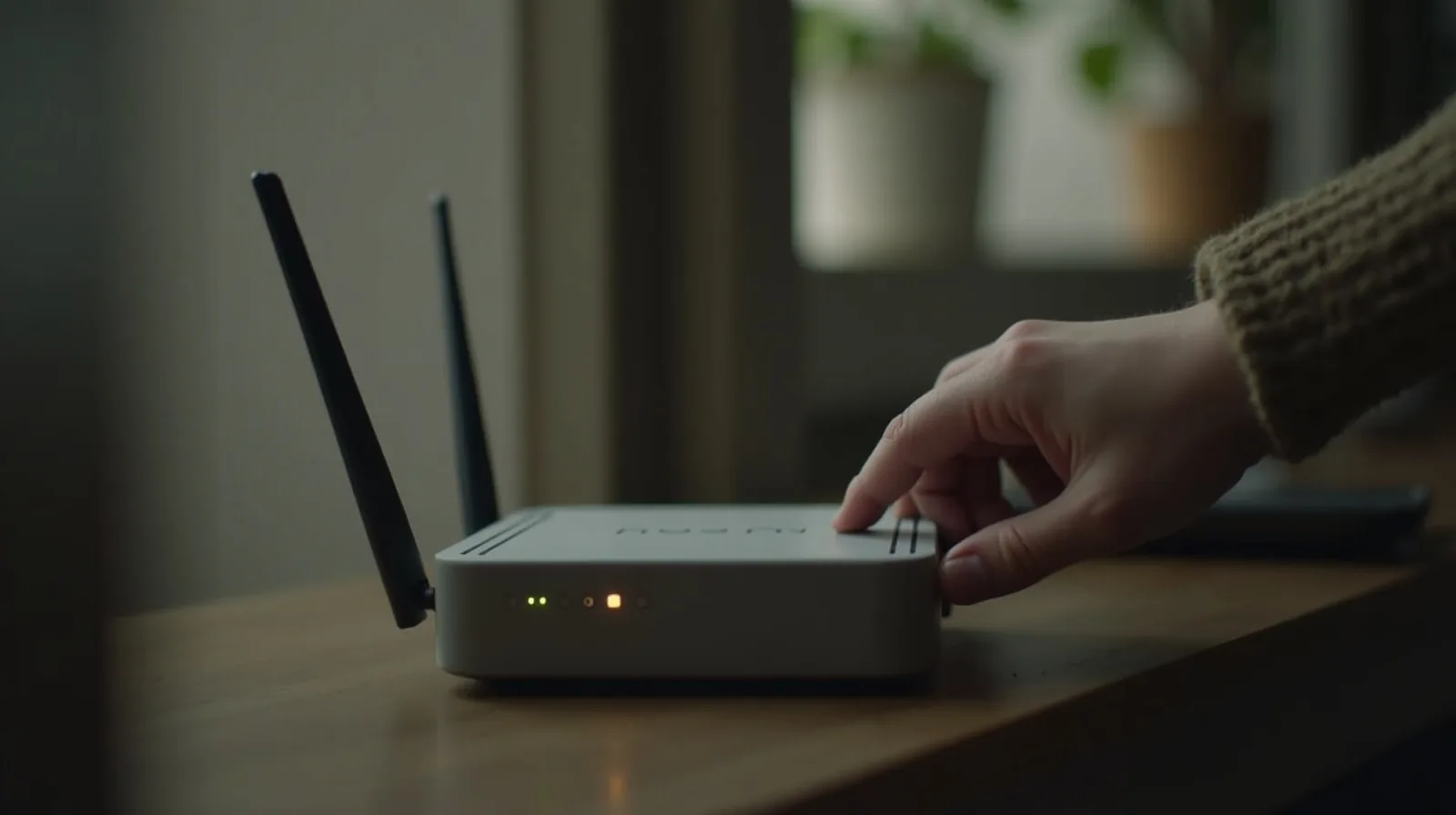
The Home Wi-Fi Tune-Up: Placement, Channels, and When to Reboot
Before you pay for a faster plan, fix the free stuff: where the router sits, which channel it's on, and the reboot that clears up more problems than any upgrade.

Focus Modes and Screen Time: Making Your Phone Interrupt You Less
Your phone is designed to grab your attention hundreds of times a day. A few built-in tools — focus modes, notification control, and honest screen-time limits — hand the control back to you.
Smart Home Basics Without the Overwhelm
You don’t need twenty gadgets and three competing apps to get real value from a smart home — you need one ecosystem and two or three devices that actually earn their keep.

Phone Feeling Slow? The Cleanup Checklist That Actually Helps
Before you assume your phone is dying and start shopping for a new one, run this checklist. Most “slow phone” problems are software clutter and habits — and they’re fixable in a few minutes.

Your TV’s Settings Are Wrong Out of the Box: The 10-Minute Picture Fix
Every TV on the showroom wall is dialed up to win a shouting match under fluorescent lights — not to look right in your living room. A ten-minute trip through the menu fixes that.
Password Sanity: How a Password Manager Changes Everything
If you reuse the same few passwords everywhere — and most people do — one breach unlocks your whole life. A password manager fixes the root problem and, oddly, makes logging in easier, not harder.