Your phone is probably the single most irreplaceable object in the house — not because of what it cost, but because of everything layered on top of it: years of photos, every contact you’ve ever saved, the logins to accounts you’d hate to lose. Ask most people how confident they are that all of it would survive a lost, stolen, or broken phone, and the honest answer is “pretty sure it’s fine.” That’s not a backup plan — it’s a hope. An actual system takes about ten minutes to set up, and once it’s running, it asks almost nothing of you again.
What actually needs backing up
Not everything on a phone is equally hard to replace. Apps themselves reinstall in seconds from wherever you got them. What can’t be recreated is the layer of data sitting on top of them:
- Photos and videos — often the only copy that exists anywhere, of moments that won’t happen again.
- Contacts — years of numbers you’d never reconstruct from memory.
- Messages and chat threads you’d genuinely miss, not every group chat you’ve ever been in.
- Notes, voice memos, and documents saved only on the device itself.
- Account logins, so a lost phone doesn’t also lock you out of everything else.
That short list is the whole target. You don’t need to preserve the phone — you need those five things to exist somewhere else, too.
The three-copy rule, in plain terms
Professional backup advice all boils down to one structure: keep your data in three places, not one. Translated to a phone, the “three copies” look like this:
- The original — the live copy on your phone, which you use every day and which is also the copy most likely to get lost, dropped, or stolen.
- An automatic copy — a backup that happens on its own in the background, so a lost phone doesn’t mean a lost anything.
- A copy that doesn’t depend on the internet — a periodic copy saved to a computer or an external drive, so you’re still covered if an account gets locked, a service changes, or you’d rather not rely on one company’s servers forever.
One copy is a coin flip. Two copies that both live online are safer, but they still share a single weak point — one login problem can lock you out of both at once. Three copies, spread across a device, an automatic backup, and something offline, is what actually holds up.
Turn on the automatic copy — then leave it alone
This is the highest-value ten minutes you’ll spend on your phone all year, because you only do it once. Open your phone’s built-in backup settings and turn on automatic backup for photos, contacts, and app data — most phones already have this built in, just switched off or only partly on. Confirm it’s set to run over Wi-Fi so it doesn’t chew through your data plan, and confirm your backup account actually has enough space for what you’re storing; a nearly full backup quietly stops protecting new photos the moment it fills up, which defeats the entire point. Once it’s switched on, this layer runs by itself. You don’t have to remember it or think about it again — which is exactly why it should be the first thing you set up.
Add a copy that doesn’t need the internet
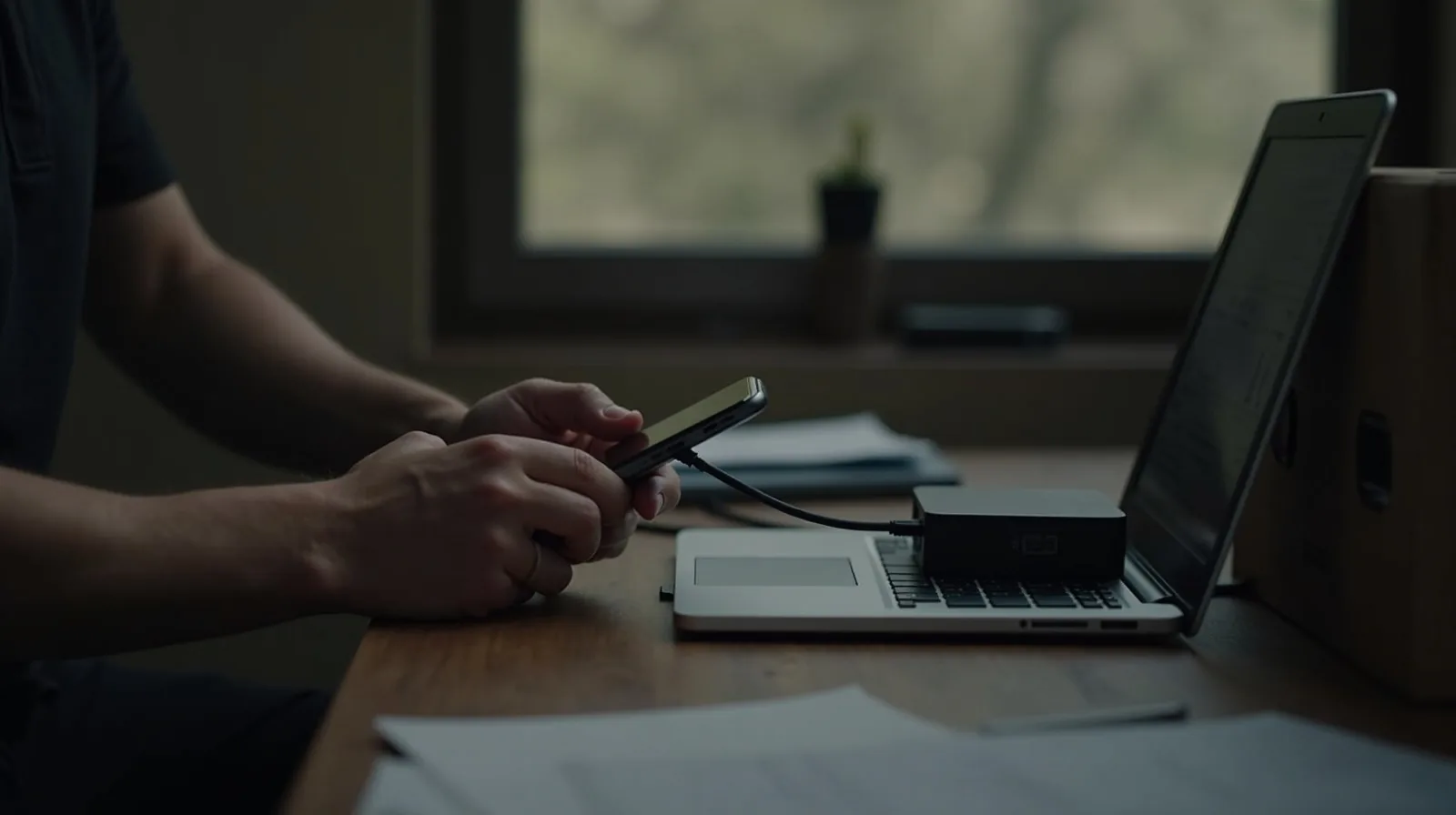
The automatic backup handles the everyday risk: a lost, stolen, or broken phone. A second, offline copy handles the risks a backup service can’t — an account you get locked out of, a subscription you let lapse, or simply wanting your photo library to exist somewhere with no ongoing cost attached. A few times a year, plug your phone into a computer with a cable and copy your photo library and any important files over, or copy them onto a small external drive you keep somewhere safe. It doesn’t need to be automatic or elaborate — it just needs to happen occasionally. This is the copy that means you’re never entirely dependent on one company’s servers staying online forever.
The step almost everyone skips: check it actually worked
A backup you’ve never verified isn’t a backup — it’s an assumption. The single best habit here takes five minutes: open your backup settings and confirm the “last backup” date is recent, not months old. Then pull up a photo you took last week somewhere other than the phone itself, and confirm it’s really there. If you happen to have an old phone lying around, an even better test is signing into it and checking whether a recent photo or contact shows up — that’s the closest thing to a real restore test without actually losing anything. Do this check once, right after you set everything up, and then again every few months. It’s the difference between a backup system and a backup you were only hoping was working.
None of this requires new equipment or a subscription you don’t already have. It requires turning on a setting that’s probably already sitting in your phone, copying your library to a computer a few times a year, and occasionally confirming both actually happened. Do that, and the worst-case scenario — a lost, stolen, or broken phone — goes from “I lost everything” to “I bought a new phone.” That’s the whole point of a backup: it turns a disaster into an inconvenience.