
A laptop that used to run for a full workday now needs an outlet by lunchtime, and it’s tempting to blame the laptop itself. But the part that’s actually failing is almost always the battery, and — like a phone’s — it’s a consumable that wears down with use, not a fixed part that lasts forever. Unlike a phone, though, a laptop spends a lot of its life plugged in at a desk and running hot under real workloads, and that changes which habits matter most. A few adjustments slow the decline meaningfully, and when the battery really is worn out, replacing it is usually far cheaper than replacing the whole machine.
Why laptop batteries wear out faster than they should
Like any rechargeable battery, a laptop’s pack loses capacity gradually as it goes through charge cycles — every full charge-and-discharge cycle ages it slightly, and after a few hundred cycles it simply holds less than it did new. Two things speed this up more than anything else: heat and sitting at the extremes of the charge range, especially a full 100%. Laptops are more exposed to both than phones are. They run a processor and cooling fans that generate real heat during use, and because so many people leave a laptop parked at a desk, its battery often spends hours or days sitting fully charged and plugged in rather than cycling normally.
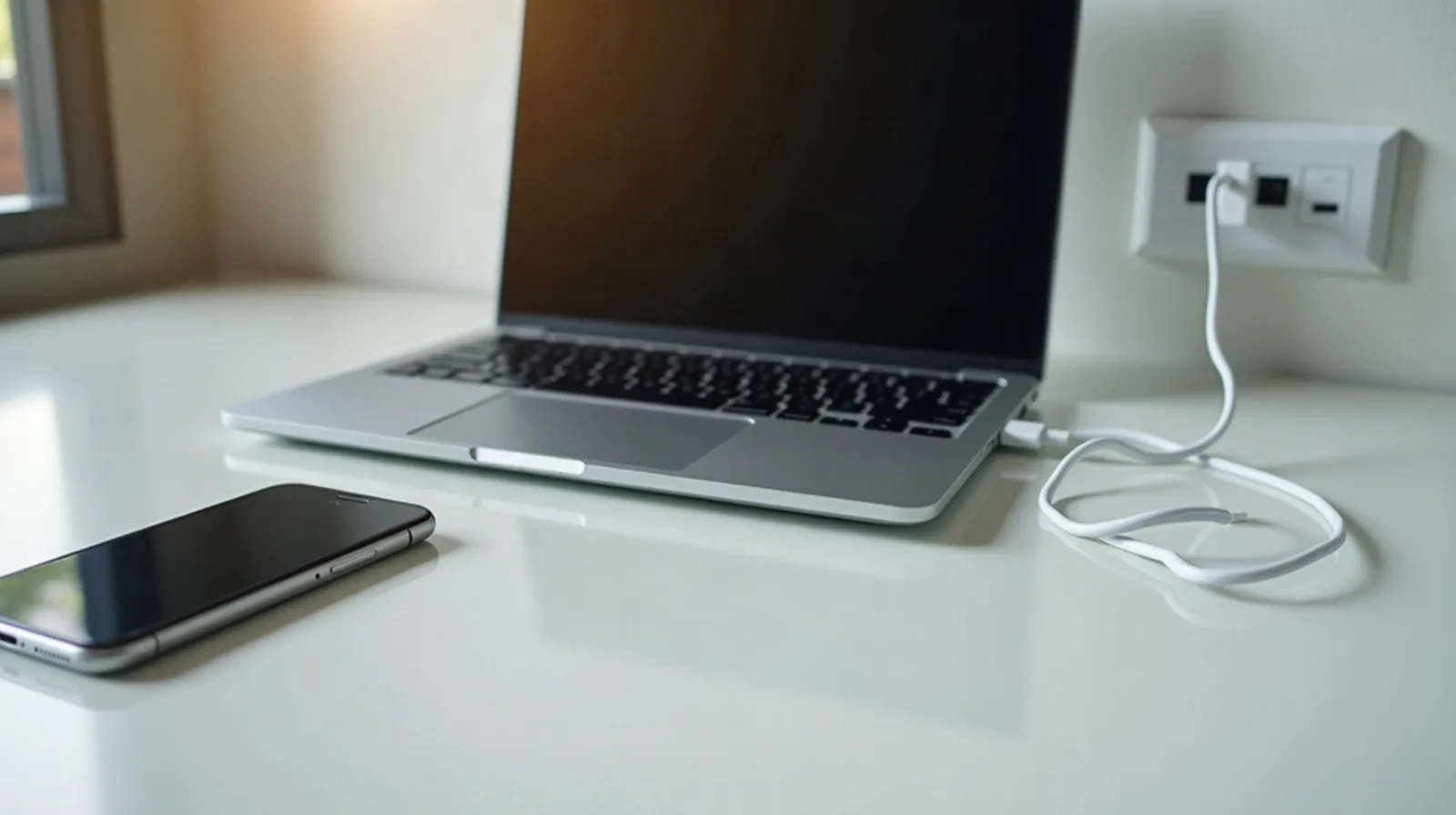
The desk-bound trap: plugged in and full, all day
If a laptop mostly lives at a desk, it’s easy to leave it plugged in indefinitely, charged to 100% and topped off around the clock. That’s convenient, but a battery held at a full charge for long stretches — especially while warm from use — degrades faster than one that cycles through a normal range. Many laptops now include a battery care or charge-limiting setting made for exactly this situation: it learns that the laptop rarely goes anywhere and caps charging around 80% instead of topping it off further. If a laptop is genuinely desk-bound, turning this setting on is one of the single highest-impact changes available — look in the power or battery section of the settings app for something described as a charge limit, battery care, or battery health mode.
Heat is doing more damage than the charge percentage
Even more than the charge level, heat is what kills a laptop battery early. A laptop generates real heat during heavy use, and it gets worse when airflow is blocked — working from a bed, a couch cushion, or a pillow smothers the vents on the bottom and back, trapping the exact heat the fans are trying to move. A hard, flat surface, not fabric, lets air circulate the way it’s supposed to. Dust buildup inside the vents and fan does the same thing gradually over months; clearing it out every so often (with the laptop powered off) keeps cooling efficient. And the obvious culprits still catch people out: leaving a laptop in a hot car, on a sunny windowsill, or running demanding tasks while it sits in direct sun all push the internal temperature well past what’s healthy for the battery.
Charging habits that actually help
Beyond avoiding heat and constant 100%, a few smaller habits round out good charging behavior. Try not to run the battery all the way to empty on a regular basis — like the full-charge extreme, a regular deep discharge stresses the cells more than staying in a comfortable middle range does. If a laptop is only used occasionally away from a desk, it’s fine to unplug it once it’s charged rather than leaving it topped off for days afterward. And use a charger that’s actually built for the laptop, or a genuinely compatible replacement — an underpowered or poorly regulated charger can deliver inconsistent power that adds unnecessary stress over time, on top of simply charging more slowly.
Storing a laptop you won’t use for a while
A laptop headed into storage for weeks or months — after a job ends, between semesters, or just retired to a drawer — needs different treatment than one in daily use. Charge it to roughly the middle of its range, around 50%, rather than storing it full or empty; both extremes degrade a resting battery faster than a moderate charge does. Power it down completely instead of leaving it asleep, since sleep mode still draws a slow trickle from the battery over weeks. Keep it somewhere cool and dry — heat is still the enemy even when the laptop isn’t in use — and if it’s going to sit for several months, check on it periodically and top up the charge if it’s drifted low.
Checking real battery health, and when to replace it
Guessing at battery health is unnecessary — most laptops can generate a battery report or diagnostic showing the battery’s current maximum capacity against its original design capacity, usually as a percentage. A battery still near that original number is healthy; one that’s dropped well below it, generally somewhere under 80%, is genuinely worn and explains a laptop that no longer holds a useful charge. Look for a battery report tool in the settings app, or a diagnostics utility that came with the laptop. The good news once a battery is confirmed worn: on many laptops it’s a replaceable part on its own, and swapping it is dramatically cheaper than buying a new machine, especially when everything else about the laptop still works fine. A shop that handles device repairs can typically source and install a replacement in under an hour.
Treat a laptop battery like the consumable it is: keep it out of the heat, off the charge-level extremes, and store it thoughtfully when it’s not in daily use. Do that and the battery — and the laptop it powers — will both last a lot longer than the habits most people default to.