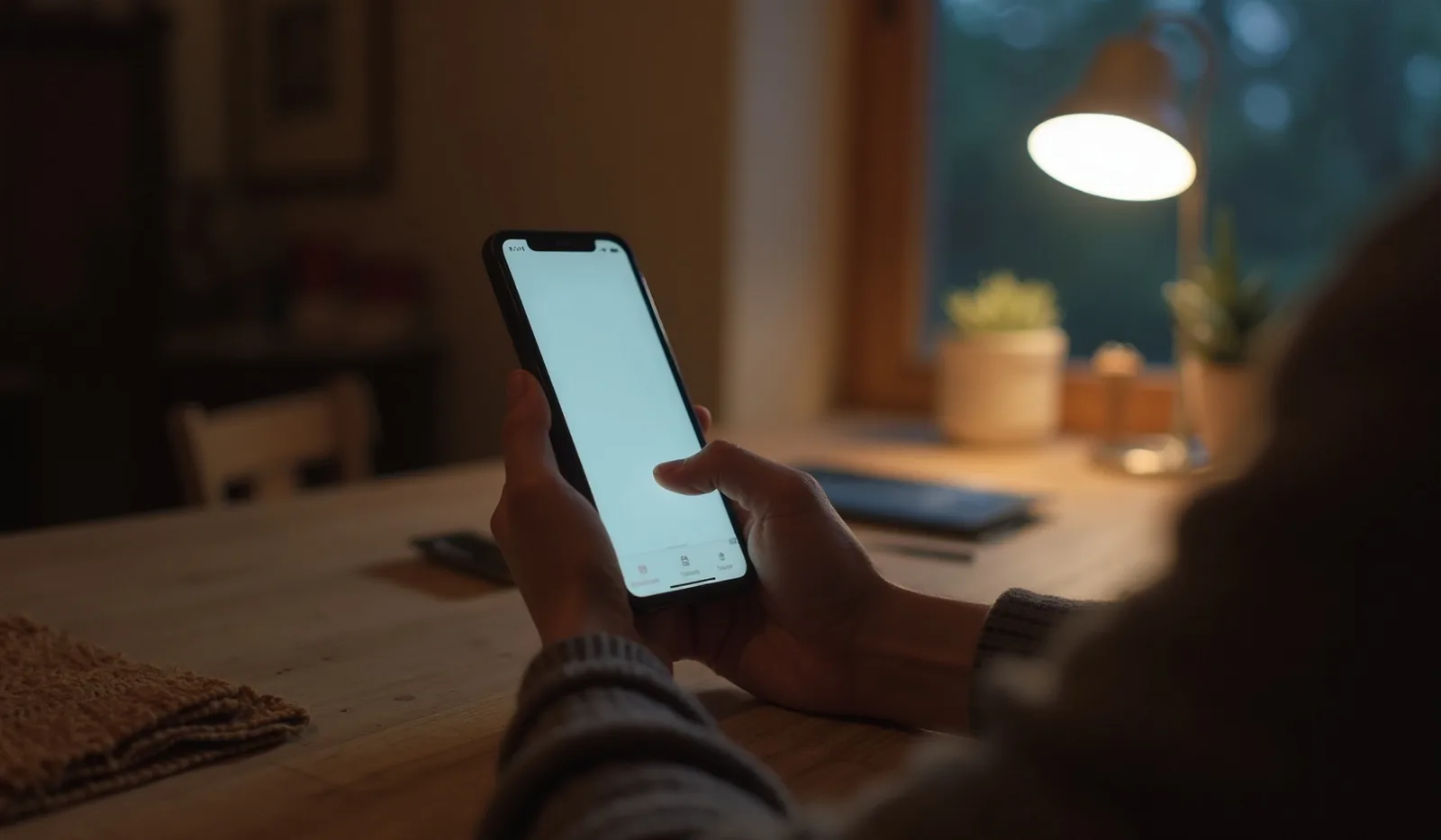
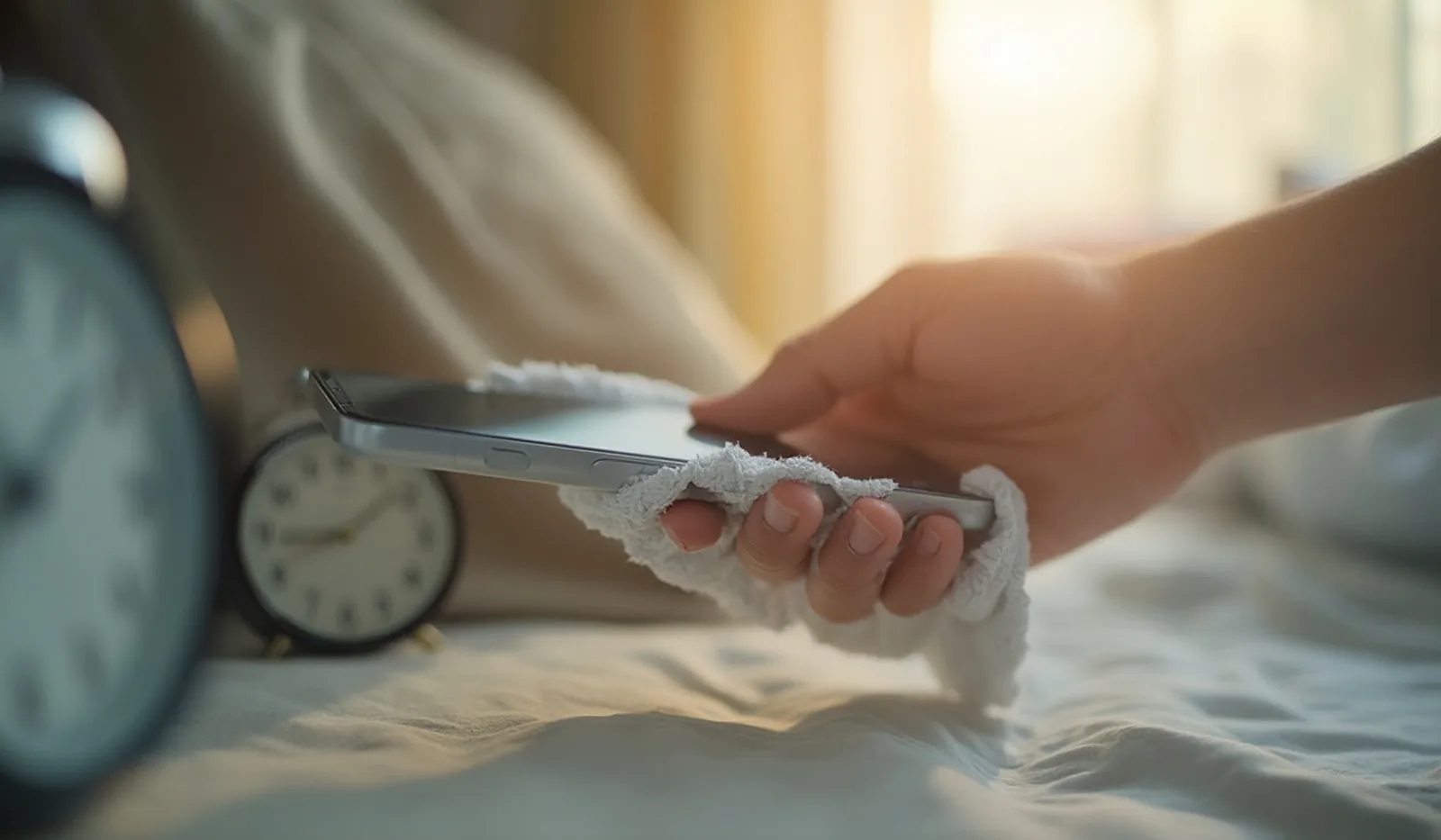
A phone gets touched hundreds of times a day — picked up with cooking hands, pressed to a cheek, set face-down on every surface it passes. Most people clean it the same way they'd clean anything else within reach: a shirt hem, a paper napkin, a spray of whatever glass cleaner is under the sink. All three do a decent job of smearing the smudge around, and all three are quietly wearing the screen down while they're at it. Cleaning a phone properly takes about the same ten seconds as cleaning it badly — the only difference is which cloth you grab and what, if anything, is on it.
Why the Wrong Wipe Slowly Wrecks a Screen
Most phone screens ship with an invisible oleophobic coating — a thin, oil-repelling layer bonded to the glass that's the reason a fresh phone wipes clean so easily and an older one seems to smudge instantly no matter how often you clean it. That coating isn't permanent, and the wrong cleaning habits burn through it years faster than normal handling ever would.
- Harsh chemicals dissolve the coating outright. Alcohol, ammonia, and standard glass cleaners are formulated to strip oils and residue — which is exactly what the oleophobic layer is made of. A few passes with the wrong spray can wear it thin permanently.
- Rough materials leave microscopic scratches. Paper towels and tissues feel soft to a hand but are made of short, stiff wood fibers that scratch glass at a microscopic level with every pass, gradually turning a crisp screen slightly hazy.
- Pressure grinds in whatever grit is already there. Scrubbing harder doesn't clean faster — it just presses any trapped dust or sand into the coating like sandpaper.
The Right Way to Clean It
None of this requires special products. A clean microfiber cloth — the kind sold for eyeglasses or camera lenses — and a light touch handle nearly everything a screen picks up.
- Turn the screen off first. A dark, powered-off screen shows every smudge clearly against the glare, and it removes any risk of the phone registering stray taps while you're wiping it.
- Start completely dry. Buff the screen in gentle circles with a clean microfiber cloth before reaching for any liquid at all; dry buffing alone lifts most everyday fingerprints and dust.
- If grime remains, dampen the cloth, not the phone. A few drops of distilled water, or a mix of distilled water and a little white vinegar, go on the cloth itself — never sprayed directly onto the screen, where it can seep into the seams around the edges.
- Wipe in one direction with light pressure. Even, gentle strokes clean just as well as scrubbing and don't grind anything into the coating.
- Finish dry. Go over the screen once more with a clean, dry section of the cloth so no moisture is left sitting at the edges or around the camera cutout.
What to Never Use
A short list of things reach for the phone out of habit and do real, permanent damage.
- Paper towels, tissues, or your shirt. All three carry enough grit and fiber roughness to scratch the coating over repeated use, even when they feel perfectly soft.
- Glass cleaner, rubbing alcohol, or anything ammonia-based. These strip the oleophobic coating for good; once it's gone, no amount of cleaning brings it back.
- Any liquid sprayed directly onto the phone. Even on a phone rated for water resistance, that rating fades with age, heat, and any prior repair — and liquid finds its way into seams and ports faster than it looks like it should.
- Compressed air pointed into the charging port or speaker grilles. The pressure can drive dust deeper or push it against internal seals instead of clearing it out; a soft, dry brush is the safer tool for those spots.
The Case, Buttons, and Ports Need Love Too
The screen gets all the attention, but the parts around it collect just as much grime and are easy to damage the same way.
- The case: a silicone or rubber case can usually be rinsed under water with a little mild soap and left to air dry completely before going back on the phone; a leather case only wants a barely damp cloth, never soap or water directly on it.
- Buttons and seams: a cotton swab lightly dampened, not soaked, lifts grime from the narrow gaps around buttons and edges without pushing moisture inside.
- Charging port and speaker grilles: a soft, dry, clean brush at a shallow angle clears lint and dust far more safely than a metal pin or paperclip, which can bend the contacts inside.
- The camera lens: a stray hair or speck of grit sitting on the lens shows up as blur or haze in photos long before it's visible to the eye; one gentle dry wipe with the microfiber cloth solves far more “blurry camera” complaints than any hardware problem does.
Make It a 10-Second Habit
The easiest way to keep a screen looking new is to make cleaning it require zero extra effort. Keep a microfiber cloth somewhere already in your routine — a nightstand drawer, a bag pocket, next to the charger — and give the screen a quick dry wipe whenever the phone is already in hand, like right before it goes on the charger for the night. Washing hands more often does double duty here too, since less oil transferred to the glass in the first place means less needs to be wiped off later. A slightly damp cleaning, following the steps above, once a week is plenty for almost anyone; daily dry wipes handle the rest.