Earbuds spend hours a day in a warm, damp, slightly waxy place, then get tossed into a pocket or gym bag. It’s no surprise that one side starts to sound quieter, the volume has to creep higher, or the case turns grey and grimy. In most cases nothing is broken. The tiny mesh over the speaker is simply clogged, and a few minutes of careful cleaning brings the sound back.
The trick is gentleness. Headphones are small, sealed, and sensitive to moisture, so the right tools are dry, soft, and light-handed. Here is a method that works for in-ear buds, over-ear headphones, and the cases and cables that go with them.
Why Dirty Earbuds Sound Worse (and Feel Worse)
Ear wax, skin oil, and dust pack into the speaker mesh and the small sound opening. That blocks the sound, so audio turns muffled or lopsided. Buildup also holds moisture against your skin, which can irritate the ear canal, and it makes microphones pick up your voice poorly on calls.
Before you assume a pair is dying, clean it. If it still sounds dull afterward, or a bud won’t charge or connect, the problem is something else — and our guide to fixing Bluetooth connection problems is the next stop.
Gather a Small, Safe Kit
You don’t need a special product. Everything below is cheap and already in most homes:
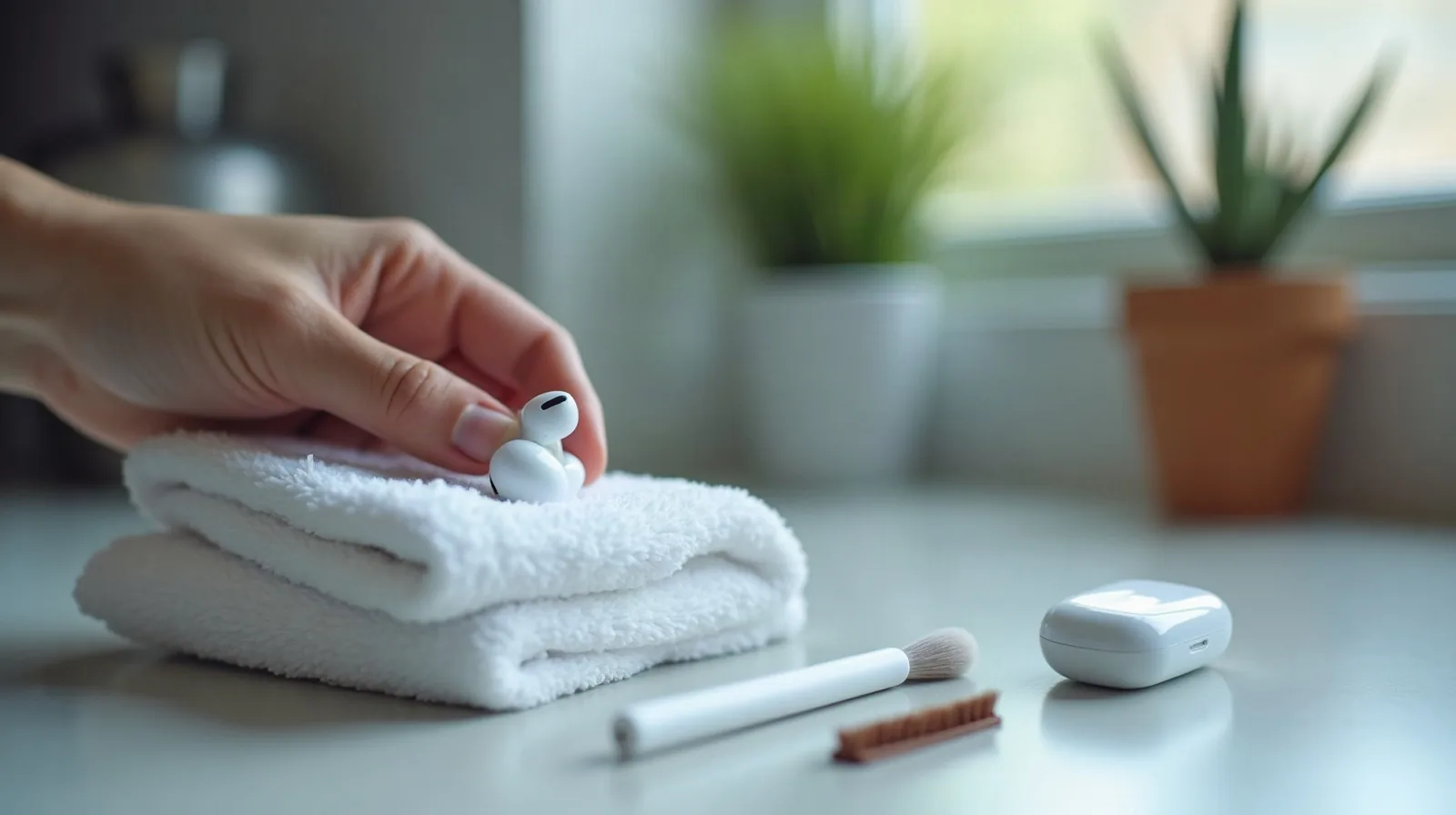
- A dry, soft-bristle brush — a clean, unused soft toothbrush or small paintbrush works.
- Dry cotton swabs for edges and the charging contacts.
- A microfiber cloth, plus a slightly damp corner for hard surfaces.
- A wooden or plastic toothpick for stubborn debris in a seam, never for poking the mesh.
- Isopropyl alcohol (70%), used sparingly on a cloth, for non-porous surfaces only.
- Reusable putty or a sticky tack for lifting loose lint from crevices.
Clean In-Ear Buds Step by Step
- Power down and remove the tips. If your buds have silicone or foam tips, pull them off gently. Wash silicone tips in warm water with a drop of dish soap, rinse, and let them dry completely before putting them back. Foam tips are usually best replaced rather than washed.
- Brush the mesh dry. Hold the bud with the speaker opening facing down and brush lightly in one direction so debris falls out instead of getting pushed in.
- Lift, don’t poke. Roll a small ball of putty over the opening to pick up wax. Skip pins, needles, and sharp tools; they puncture the mesh.
- Wipe the body. Use a cloth lightly dampened with water, or alcohol on a cloth, on the smooth outer shell. Keep liquid off every opening.
- Dry fully. Leave everything out in the open for at least ten minutes before reassembling or charging.
Don’t Forget the Charging Case
The case is often grimier than the buds, and lint packed into the charging contacts is a common reason one bud won’t charge. With the case empty and closed of any cable, use a dry cotton swab to wipe the metal contacts inside, then brush out lint from the bud wells. For sticky grime on the outside or the hinge, a lightly damp cloth finishes the job. Never run water into the case or the charging port.
Over-Ear and On-Ear Headphones
Bigger headphones need less precision but more regular attention, because the ear pads absorb sweat and oil the most.
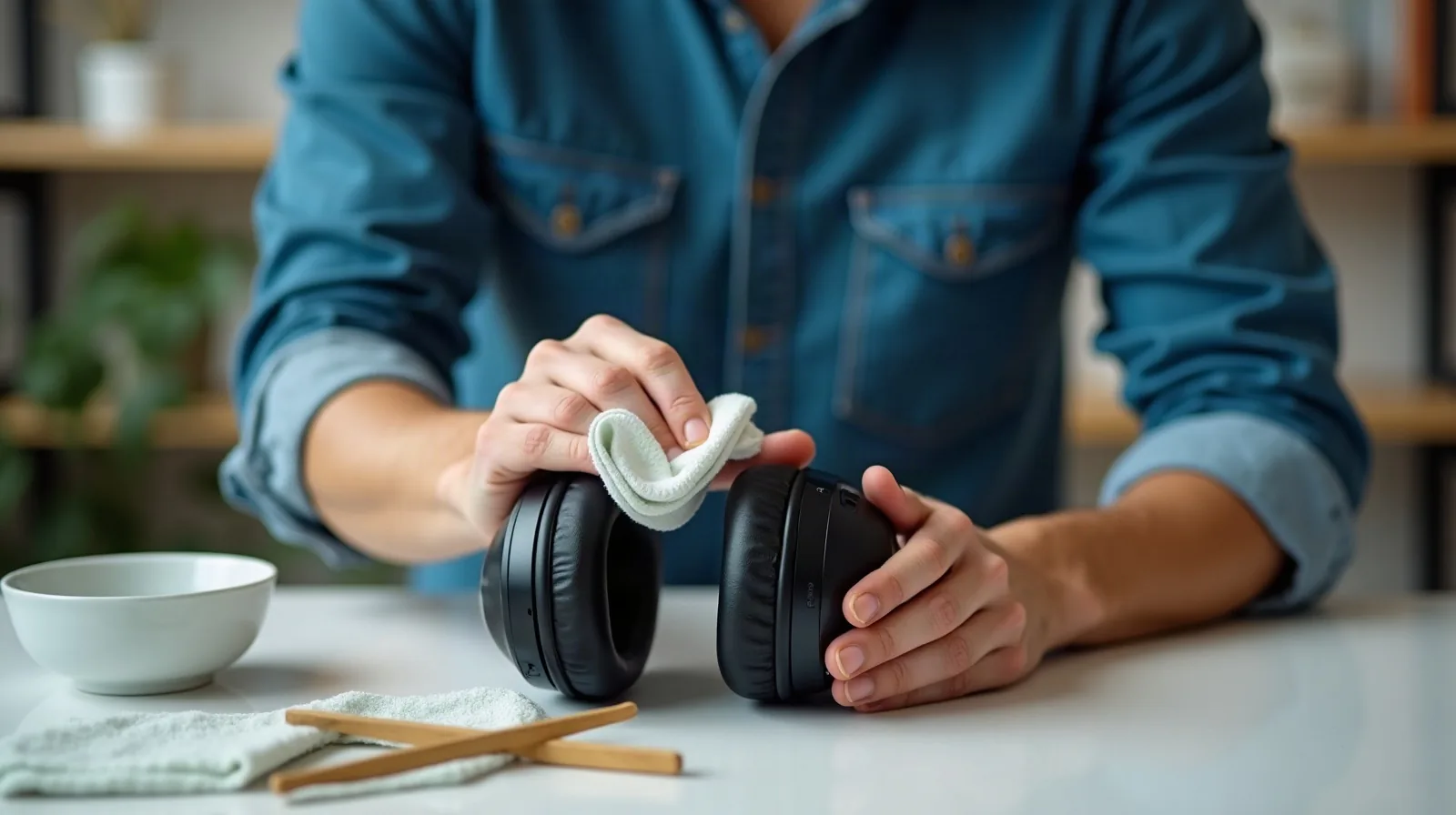
- Pads: If the pads detach, remove them and wipe with a cloth that is just barely damp. Leather and faux-leather pads should be dried right away; fabric pads can be dabbed with a little soapy water on a cloth, never soaked.
- Headband and cups: A damp cloth handles most grime. Use a dry brush on grilles and vents.
- Cables: Pinch a lightly damp cloth around the cord and slide it along, then dry the same way.
- Foam that has crumbled is a sign the pads are worn out and need replacing, not cleaning.
What Never to Use
Some common cleaning habits quietly ruin audio gear:
- Running water or dunking. Even “water-resistant” pairs are rated against sweat and splashes, not soaking, and the rating fades with age.
- Soaked cloths or sprays. Liquid flows into openings. Apply it to the cloth first, then wring it nearly dry.
- Strong cleaners, bleach, or abrasive pads. They eat finishes and degrade pad material.
- Compressed air or blowing hard. It can push debris deeper or damage the tiny diaphragm.
- Sharp tools through the mesh. One slip means a permanently quiet bud.
A Simple Schedule That Keeps Them Clean
A few seconds of upkeep beats a rescue session. Wipe the buds with a dry cloth after each workout or long day, brush the mesh once a week if you wear them daily, and do the full clean once a month. Store them in the case or a pouch rather than loose in a pocket, and let sweaty gear air out before closing it up.
If you share headphones, clean the part that touches the ear between users. And if a bud still sounds weak after a careful clean, or the pads are cracked and flaking, replacement tips and pads are inexpensive and often make the pair feel new again.