Your phone used to last all day; now it's gasping by mid-afternoon. It's tempting to assume the phone is failing or that you need a new one, but the culprit is almost always the battery, and batteries are consumable — they wear out gradually with use. The encouraging part: how fast they wear out is largely in your hands. A few charging habits can meaningfully slow the decline and add a year or two of good life, and when the battery really is spent, it's often a cheap fix rather than a new phone.
Why batteries fade
The rechargeable battery in your phone loses capacity over time as it goes through charge “cycles” — each full charge-and-discharge slightly ages it. After a few hundred cycles, it simply holds less than it did new, which is why a two-year-old phone doesn't last like it used to. Two things accelerate this wear more than anything else: heat and living at the extremes of the charge range. Manage those two and you slow the whole process.
Heat is the number-one killer
Nothing ages a battery faster than heat. Leaving your phone on a sunny dashboard, charging it under a pillow, or running demanding apps until it's hot all cook the battery and permanently reduce its capacity. Protect it by keeping the phone out of hot cars and direct sun, taking a thick case off if it runs hot while charging, and not smothering it while it charges. If your phone gets uncomfortably warm, give it a break to cool down. Avoiding heat is the single highest-impact thing you can do.
Stop living at 100% and 0%
Batteries are happiest in the middle of their range and most stressed at the extremes — sitting at a full 100% (especially while hot) and draining to empty both wear them faster. You don't need to obsess, but a few habits help:
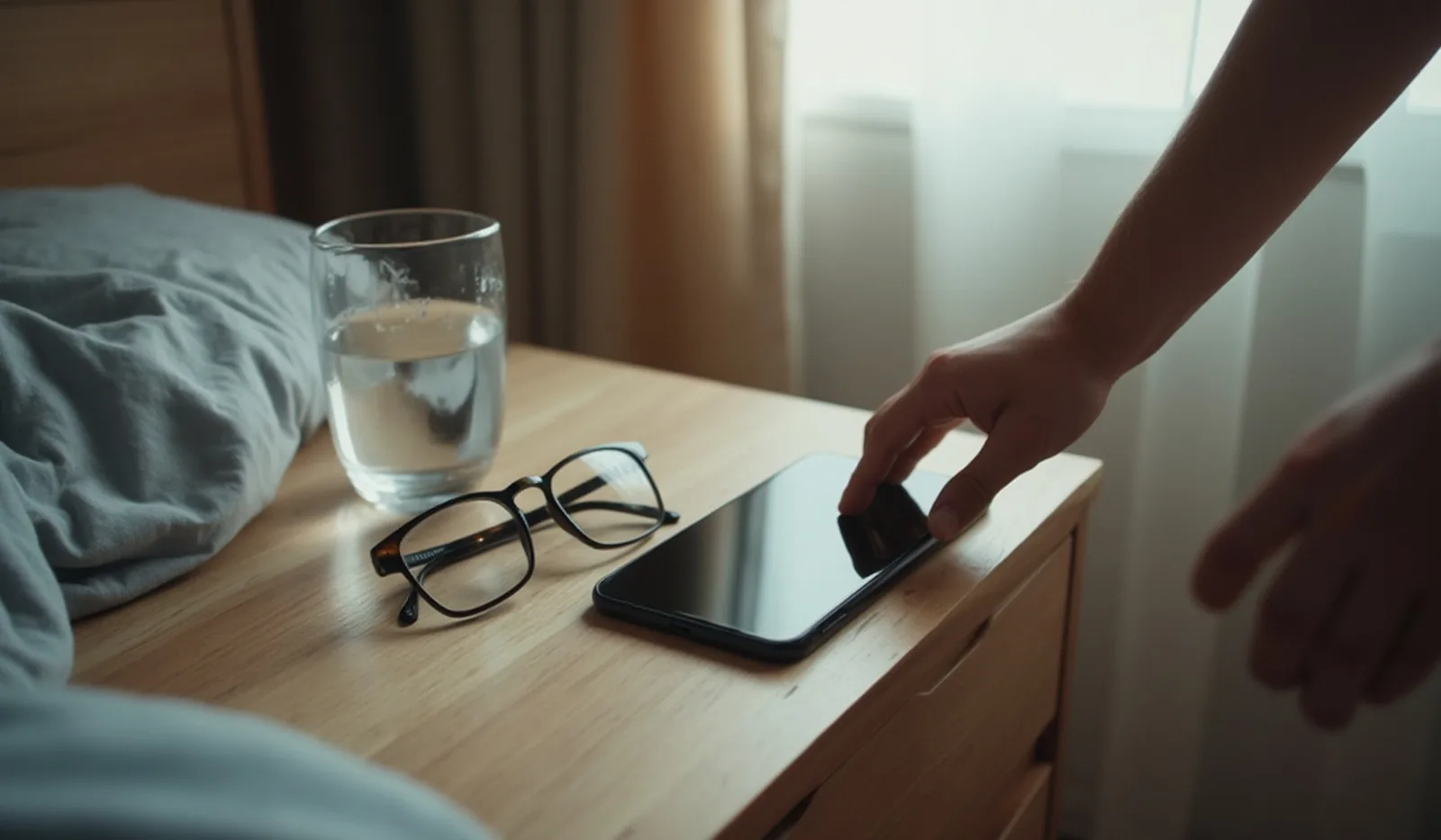
- Don't routinely charge to 100% and leave it plugged in for hours, particularly overnight in a warm bed. Topping up in the middle range is gentler.
- Try not to run it flat regularly. Plugging in around the low-but-not-empty range and unplugging before a marathon session at 100% keeps it in the sweet spot.
- Use the built-in “optimized” or “adaptive” charging setting. Modern phones can learn your routine and hold at a lower level, finishing the charge only just before you wake — doing this balancing act for you automatically. Turn it on.

Everyday drains that make it seem worse
Sometimes a battery seems shot but it's really being drained hard. Background app refresh, a bright always-on screen, poor cellular signal (the phone strains to stay connected), and power-hungry apps can burn a charge fast. Reining those in — the same settings tune-up that helps any phone — can make a fading battery feel a lot healthier without any hardware change.
When it's just time to replace the battery
Eventually every battery wears out, and no habit reverses it. The tells: it drains quickly even with light use, dies suddenly at seemingly high percentages, or shuts off in the cold. Most phones have a battery-health readout that shows its remaining capacity — when that drops low, the battery is the problem, not you. The key thing to know is that replacing the battery is far cheaper than replacing the phone, and it can make an old phone feel new again. Don't retire a perfectly good phone over a worn part that costs a fraction to swap.
Treat the battery as the consumable it is: keep it cool, keep it off the extremes, let optimized charging help, and replace it when it's genuinely done. Do that and you'll get far more life out of both the battery and the phone it powers.