
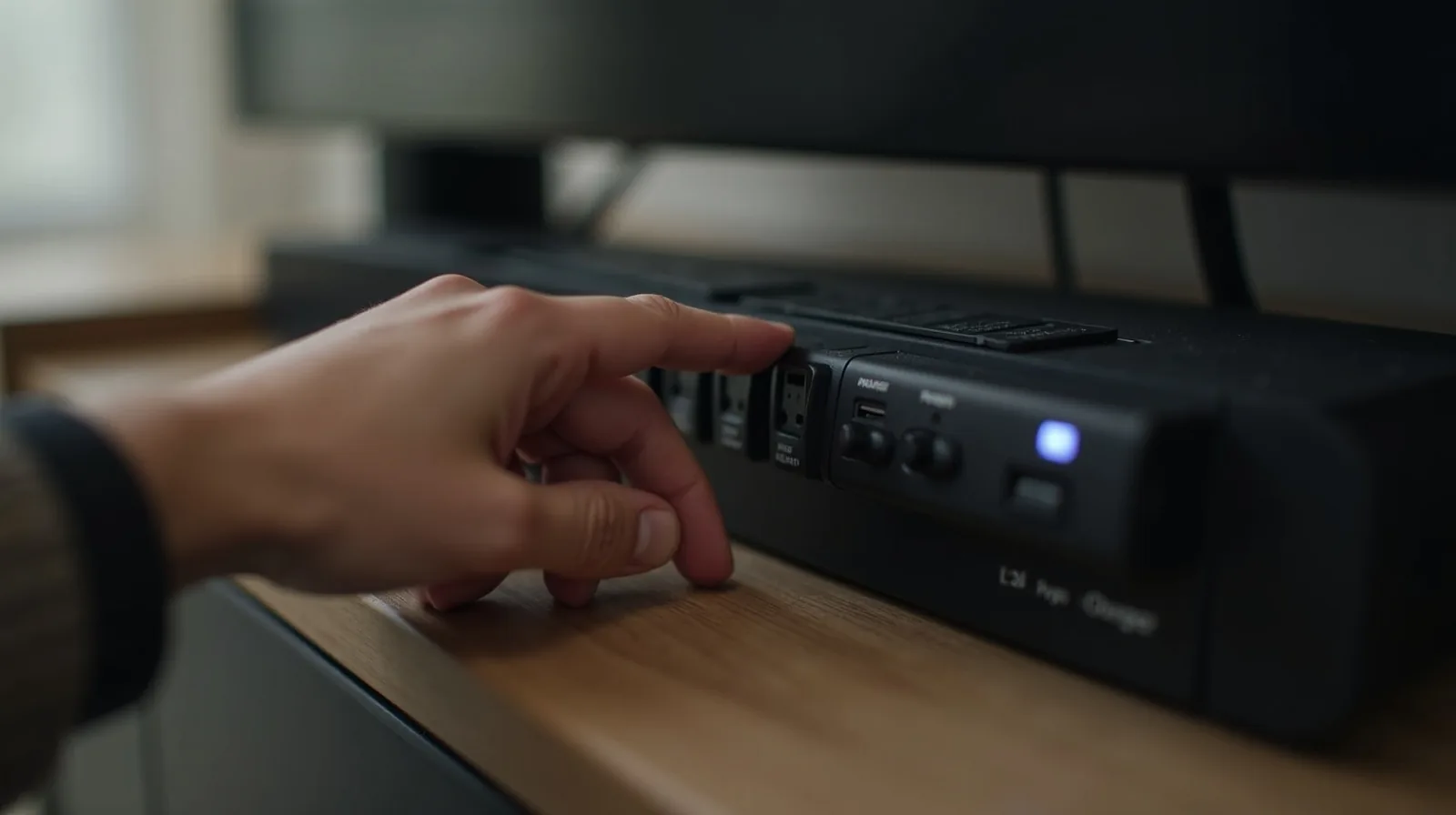
Right now, all around your home, devices that appear to be switched off are quietly sipping electricity — the TV on standby, the coffee maker’s clock, chargers plugged in with nothing attached, the game console waiting to wake, the microwave’s display. This is standby power, or “phantom load,” and these energy vampires draw a little bit constantly, every hour of every day, whether you’re using them or not. Individually each is tiny; across a whole house, running all year, they add up to a real slice of your electricity bill — money spent on devices doing nothing. Hunting them down is a small one-time job that keeps paying you back.
What counts as an energy vampire
An energy vampire is anything that draws power while off or in standby. The usual suspects share a few tells — a clock or display that’s always lit, a standby or indicator light, a remote that can wake it instantly, or an external power brick that stays warm. Common culprits include:
- Entertainment gear — TVs, streaming boxes, game consoles, sound systems, which cluster together and are among the biggest offenders.
- Chargers and power adapters left plugged in with nothing (or a fully charged device) attached — they keep drawing.
- Kitchen and household appliances with displays or standby — microwaves, coffee makers, and the like.
- Computers and peripherals — desktops, monitors, printers, and Wi-Fi gear left on around the clock.
Hunt them down
Walk through your home looking for the tells — anything with a glowing light, a lit display, or a warm power brick while “off” is a vampire. Pay special attention to the clusters (the TV area, the computer desk) and to chargers dangling in outlets doing nothing. If you want to know exactly which devices draw the most, an inexpensive plug-in power meter shows a device’s standby draw so you can target the worst offenders — but you can do plenty just by spotting the obvious ones.
Cut the draw
You don’t have to crawl behind furniture unplugging things every night. A few practical tools make it effortless:
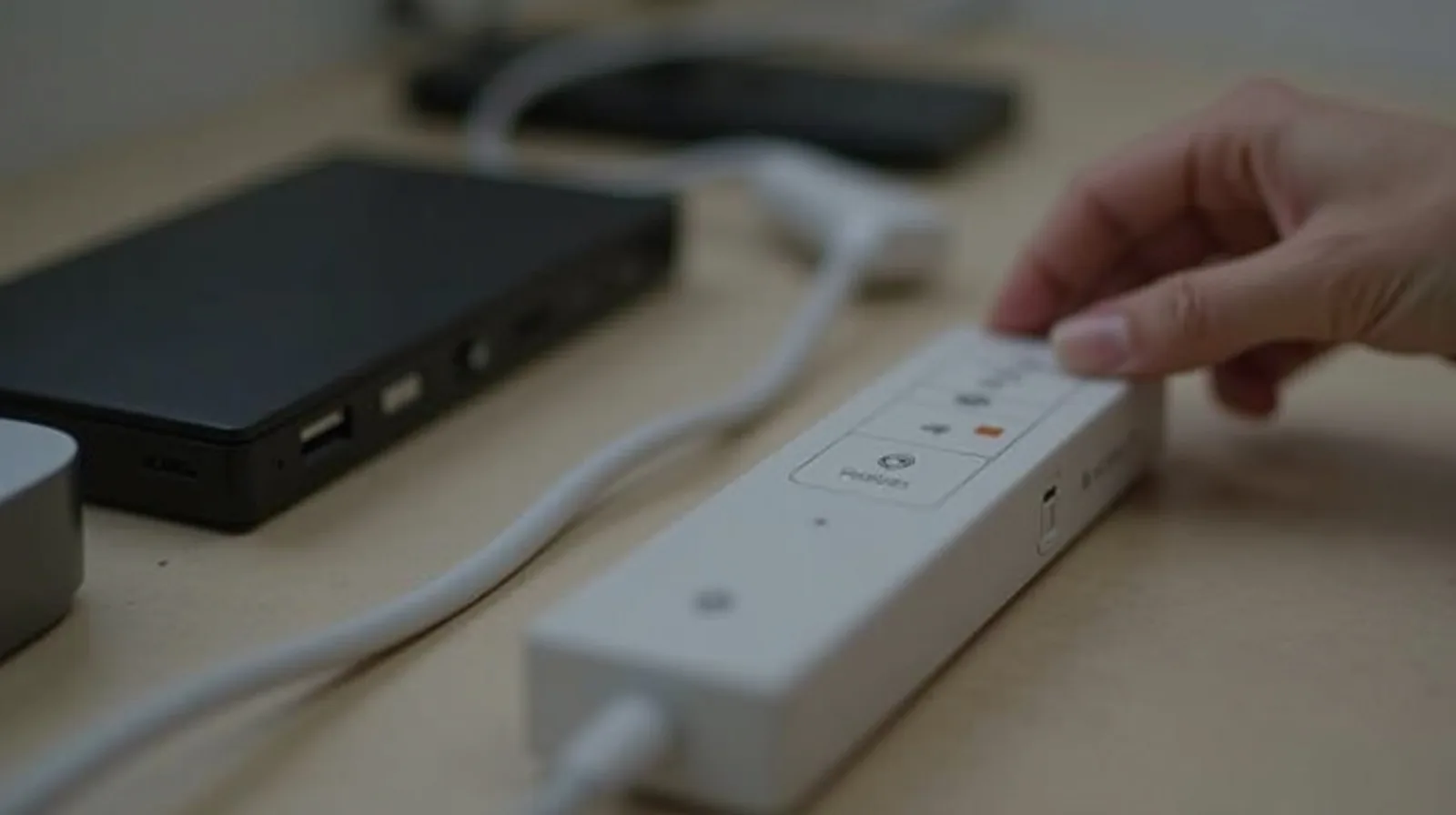
- Switched power strips are the workhorse: plug a whole cluster (the TV and its companions, or the desk setup) into one strip, and flip the single switch off when you’re done to cut the standby draw of everything at once. One flick handles the lot.
- Smart plugs let you schedule devices to fully power off overnight or when you’re out, or switch them from your phone — set-and-forget vampire control.
- Unplug the obvious idle ones — the charger with nothing attached, the appliance you rarely use. Simplest of all.
Focus your effort on the biggest clusters and the things left on around the clock; that’s where most of the phantom load hides.
A one-time job that pays monthly
The beauty of tackling energy vampires is that it’s mostly a setup task, not a daily chore. Put a couple of switched strips and smart plugs in the right places once, unplug the idle chargers, and the savings happen automatically from then on — you’re simply no longer paying to power devices that are doing nothing. It won’t transform your bill on its own, but it’s free money you were leaking, reclaimed for the cost of an afternoon and a couple of cheap gadgets.