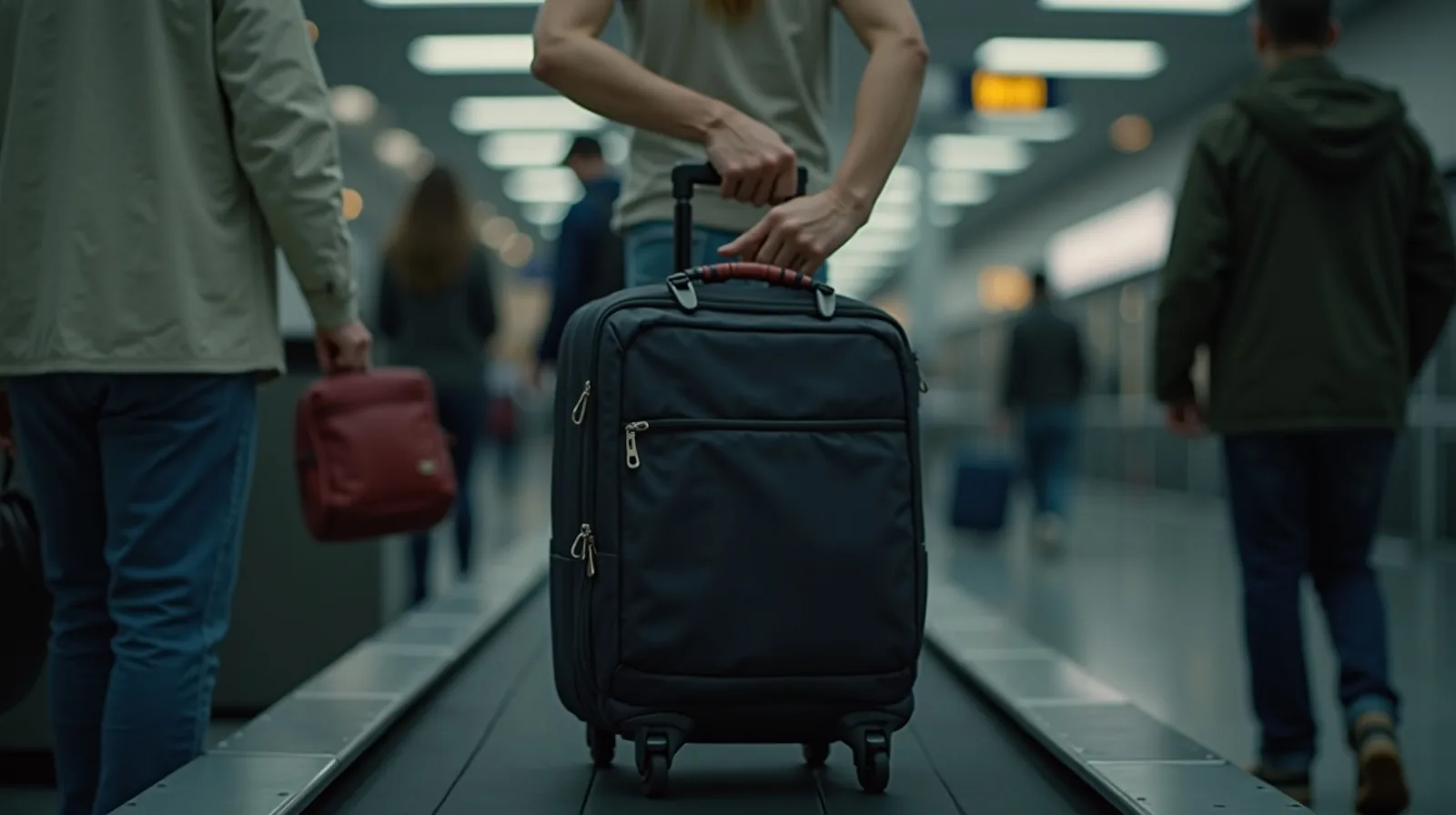
It's a familiar kind of panic: you're at the counter, or the gate, or the front desk, and you're scrolling frantically through your email trying to find the one confirmation you need — buried under newsletters, three inboxes deep, while a line forms behind you. Travel generates a blizzard of documents (flights, hotels, rental cars, tickets, reservations), and by default they scatter across email, texts, screenshots, and apps. A digital travel folder fixes that by gathering everything for a trip into one place you can reach in a tap.
Why scattered documents fail you
The problem isn't that you don't have the confirmation — it's that you can't find it fast, and often can't find it at all when you most need to. Airport Wi-Fi is flaky, you're roaming abroad with data off, your inbox won't load, and the one email you need is somewhere in a thread. Relying on live email access at the exact moment you're stressed and possibly offline is a recipe for that gate-side scramble. The fix is to consolidate ahead of time and to keep a copy that works without a signal.
Build one folder for the whole trip
The concept is simple: for each trip, make a single container that holds every document. It can be a folder in your notes app, a dedicated note, a folder in your cloud storage, or a travel app that collects itineraries — the tool matters less than the habit. Into it goes:
- Flights: confirmation numbers, times, seat assignments, boarding passes.
- Lodging: hotel or rental confirmations, addresses, check-in details.
- Ground: rental car, train, or transfer bookings.
- Activities: tour, event, and restaurant reservations.
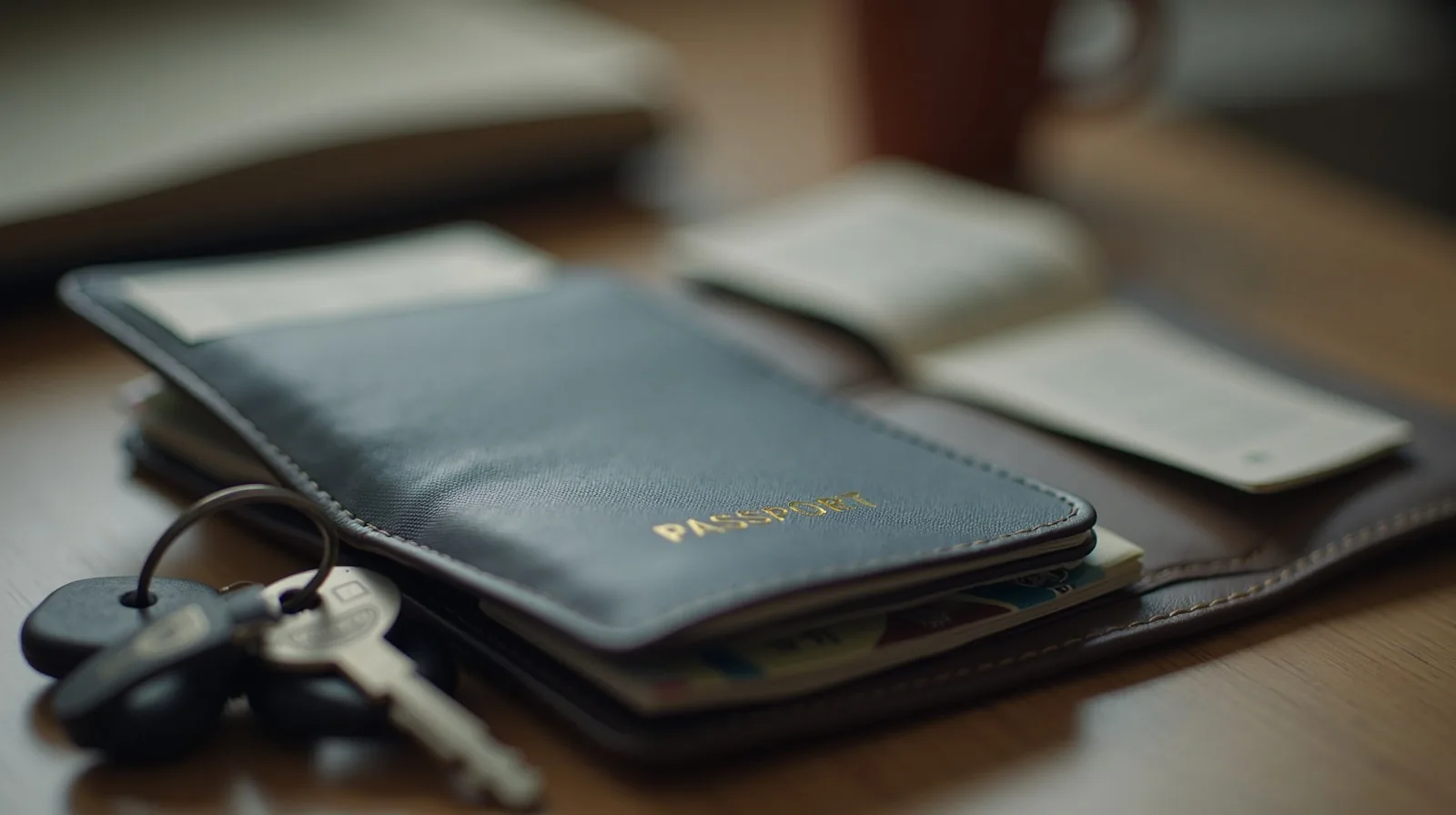
- Identity and money: a photo of your passport/ID, and the phone number on the back of your cards (in case one is lost).
The moment you book something, drop it straight in. Done as you go, it's no work at all; done the night before, it takes ten minutes and buys enormous calm.
The non-negotiable: save it offline
A travel folder you can only open with a signal defeats the purpose, because the worst moments — landing in a new country, a dead zone, a full-signal-but-no-data situation — are exactly when connectivity fails. So the crucial step is to keep an offline copy: screenshot your boarding passes and key confirmations, download tickets as files or to your device's wallet, and make sure your notes or documents are set to be available offline. When everything you need opens with zero bars, you've eliminated the single biggest travel-day stressor.
Share it with your travel companion
If you're not traveling alone, share the folder with the people you're with. Then everyone has the addresses, the times, and the confirmation numbers, and the whole trip doesn't live on one person's phone (or die with its battery). A shared folder means anyone can pull up the hotel address for the taxi or the reservation name at dinner — and if one phone is lost or dead, the trip's information survives.
A few touches that make it bulletproof
- Keep a tiny paper backup of the essentials — addresses and confirmation numbers on one card — for the day your phone dies or goes for a swim.
- Note the important local numbers: your lodging, your airline, and your country's embassy if abroad.
- Reuse the structure every trip. Once you have a template folder, each new trip is just filling in the blanks — the system gets faster the more you travel.
Travel throws enough curveballs without you fumbling for a confirmation while a line grows behind you. Gather every document into one offline folder, share it with your people, and keep a scrap of paper as insurance. It's ten minutes of prep that turns the most anxious moments of a trip into a single, calm tap.