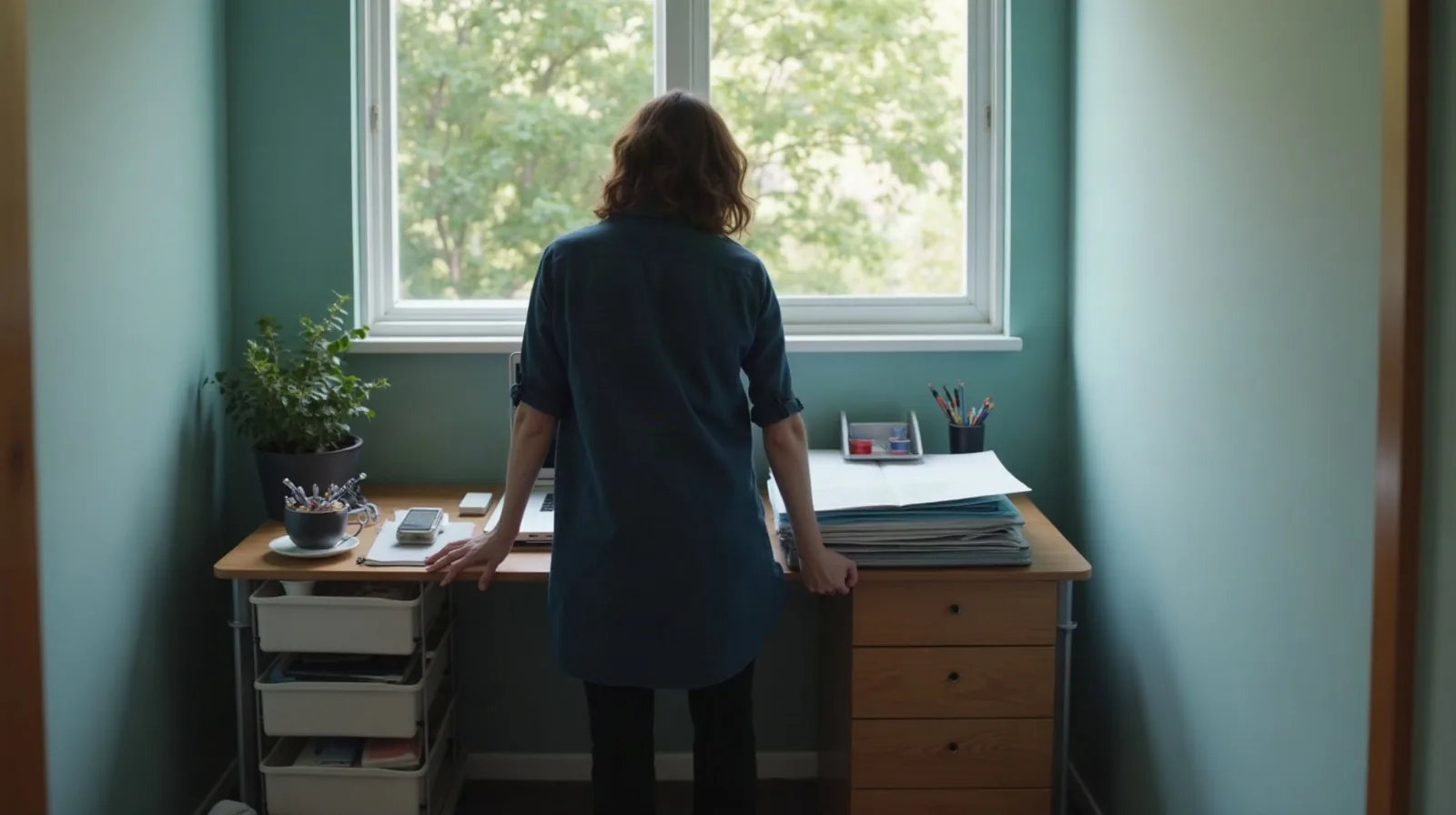
Most home-office organizing advice pictures a spare room: a whole wall for a desk, a filing cabinet, maybe a closet just for supplies. That’s not most home workspaces. For a lot of people, the “office” is a corner of a bedroom, a cart that gets wheeled out in the morning, or one end of the kitchen table that has to go back to being a kitchen table by dinner. Advice built for a dedicated room doesn’t scale down, so it gets tried for a weekend, ignored for a month, and abandoned. The fix isn’t a bigger desk or another organizer bin — it’s treating the space as a small set of zones instead of one flat surface that everything lands on.
Split the space into three zones, not just “the desk”
A desk that’s one undivided surface turns into a junk shelf almost immediately, because there’s no reason any one item belongs in any particular spot. Splitting it into three small zones gives everything a reason to be somewhere — and somewhere else it clearly doesn’t belong:
- The work zone. Whatever surface is directly in front of you while you’re actually working. This one should stay close to empty — a laptop or keyboard, maybe one notepad. Anything that lives here permanently is competing with the task in front of you.
- The reach zone. A shelf, a drawer, or a cart within arm’s reach for things you use often but don’t need mid-task — a stapler, a notebook, headphones, the current project’s folder. Close enough to grab without standing up, far enough that it isn’t cluttering the work zone.
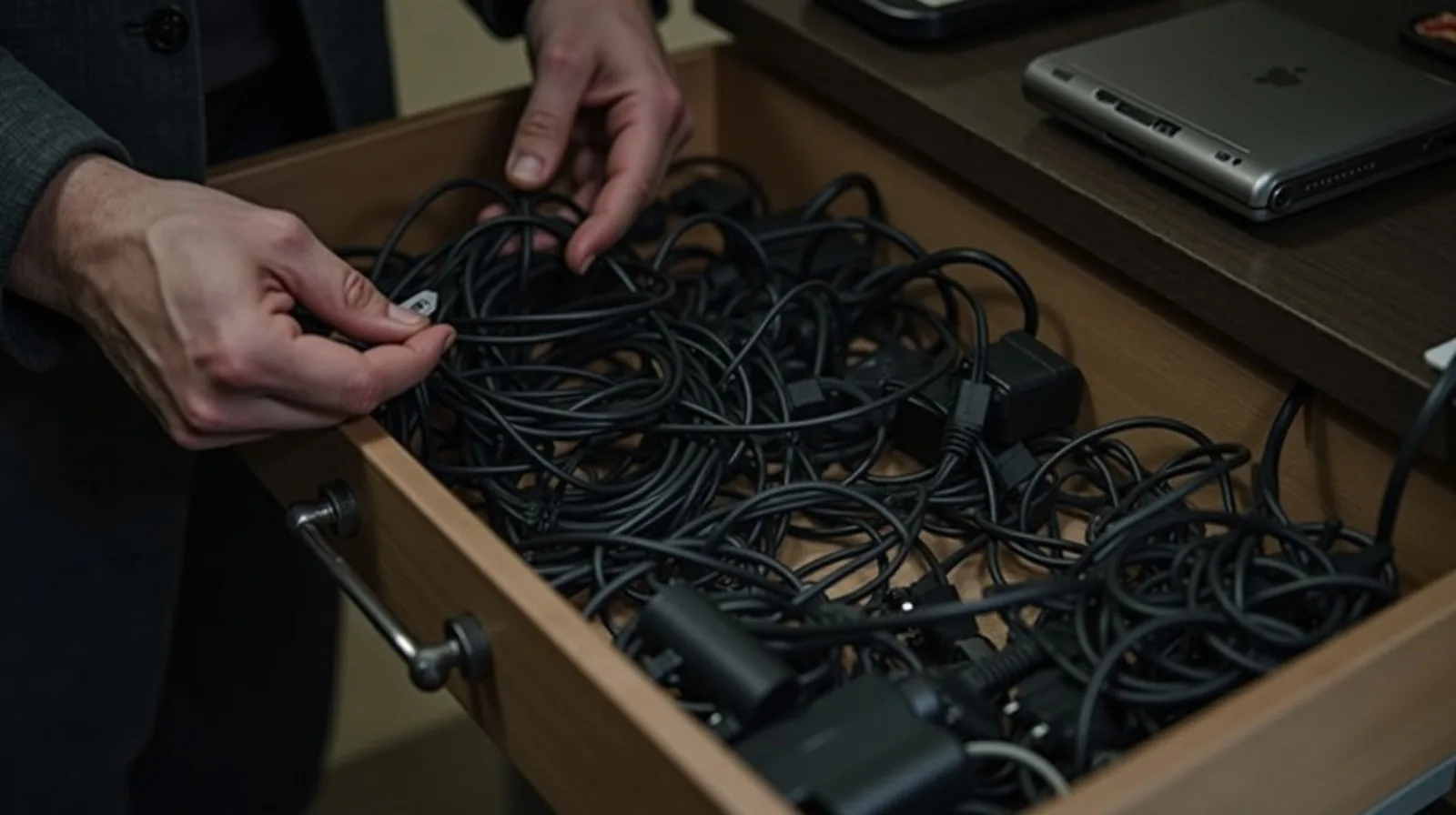
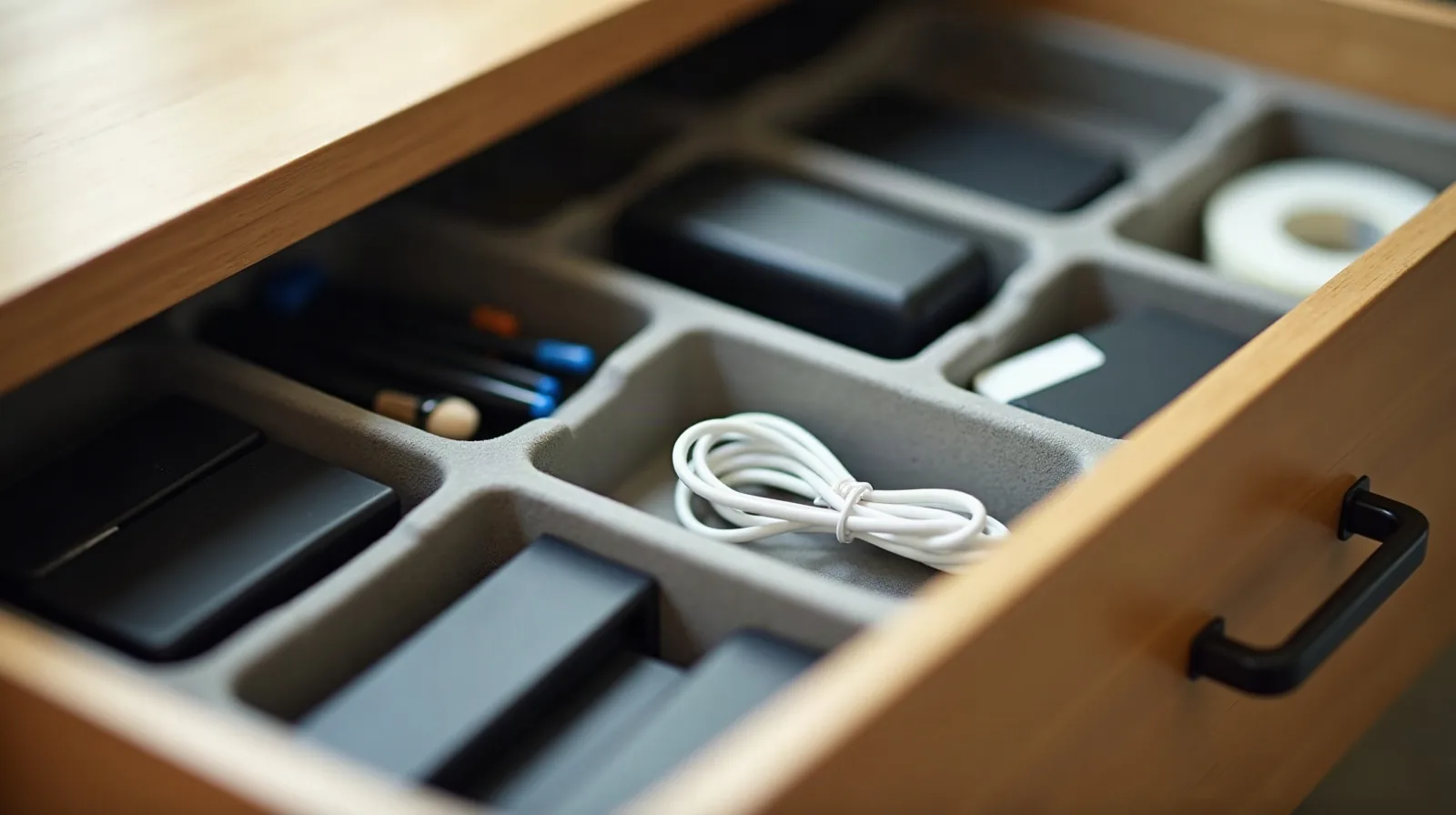
- The landing zone. A specific, smaller spot for chargers, cables, and whatever electronics pile up around a workspace. This is the zone almost everyone skips, and it’s the one that causes the most visible mess — more on it below.
Once those three exist, tidying stops being a judgment call. Something on the work surface that isn’t actively in use gets moved to the reach zone or the landing zone — it doesn’t get debated, because there’s already an obvious place for it.
No dedicated room? Build an office that packs away
If the workspace shares a room with something else — a guest bed, a dining table, a living room corner — the zones above still apply, but they need to be portable. A few setups handle this well:
- A rolling cart. Two or three tiers hold the reach zone and landing zone together, and the whole thing wheels into a closet or against a wall the moment you’re done, taking the visual clutter with it.
- A closet or armoire office. A shallow closet or an old wardrobe with the doors removed (or kept, if you want it to disappear entirely) can hold a fold-down or slide-out surface, with shelves above and below for the reach zone. Close the doors and the office is gone.
- A caddy, not a drawer. On a shared table, a single caddy or tray holds the reach-zone items as one unit. At the end of the session, the whole caddy lifts off the table in one motion instead of you sorting ten small objects back into a drawer.
The common thread is that the whole setup can leave the room, not just get pushed to one side. A workspace that has to visually disappear on demand needs to be built that way from the start, not organized after the fact.
Cable management that actually holds up
A charging cable, a phone, and a set of headphones will always drift back into a tangle on the nearest flat surface unless the landing zone makes the tidy option easier than the messy one. A few habits that hold:
- Mount the power strip, don’t leave it loose. A power strip stuck or clipped to the underside of the desk keeps its cord out of the floor traffic and out of the reach zone entirely.
- Bundle, don’t coil loose. A short reusable tie or a cord sleeve around two or three cables running the same direction turns a nest into a single manageable bundle.
- Give charging one exact spot. A small tray or a shallow bin in the landing zone, sized for exactly the cables and chargers you actually use, so a phone or a tablet has one obvious place to charge instead of wherever there happens to be an open outlet.
- Cut the cord population first. Before organizing what’s there, pull every cable at the desk and only put back the ones for devices you actually use at that desk. A tidy landing zone starts with fewer cables, not a better way to hide the same pile.
Keep paperwork from creeping back onto the desk
Paper is the other thing that quietly recolonizes a clean desk. The fix here is narrow on purpose: only the paperwork for whatever you’re actively working on belongs in the reach zone, in one folder or tray. Everything else — bills, mail, anything that needs long-term keeping — should already have a home elsewhere in the house, and it should leave the desk the same day it arrives, not get set down “to deal with later.” A desk that only ever holds one active folder never has the chance to become an archive.
The five-minute daily reset
The zones do most of the work, but they only stay effective with one short habit at the end of each session: clear the work zone completely, return anything that migrated there to the reach or landing zone, park every cable in its spot, and wipe the surface. It takes less time than it takes to describe, and it’s the difference between a system that lasts and one that looks great for exactly one week. Do it every time you finish, not just on the days it looks bad — by the time it looks bad, the reset takes a lot longer than five minutes.